Note
Go to the end to download the full example code.
Moving around the 2D views#
The viewer has three 2D views, axial, coronal and sagittal, each a slice through
the crosshair. In the window, a click moves the crosshair, the wheel steps through
the slices, and Ctrl with the wheel or a drag zooms and pans. Each of these is an
action of the Viewer, so Python can do the same: this example moves the
crosshair, reads the value under it, steps a slice, zooms and pans a view, flips
the display convention and hides the crosshair and the text, saving a screenshot
at each step, and ends with one image of all four views.
A synthetic head#
A 2 mm image of an ellipsoid with a bright scalp, dark fluid under it, and a brain whose intensity varies with the distance from its centre, plus a bright spot at x = -30, y = 20, z = 10 mm to look at. The image is centred on the world origin; world coordinates are in mm, RAS+ (x towards the subject’s right, y to the front, z up).
shape = (90, 108, 90)
affine = np.diag([2.0, 2.0, 2.0, 1.0])
affine[:3, 3] = -np.array(shape)
i, j, k = np.indices(shape, dtype=np.float32)
x, y, z = (2 * i / shape[0] - 1, 2 * j / shape[1] - 1, 2 * k / shape[2] - 1)
r = np.sqrt((x / 0.8) ** 2 + (y / 0.9) ** 2 + (z / 0.85) ** 2)
t1 = np.select(
    [r < 0.82, r < 0.9, r < 1.0],
    [500 + 250 * np.cos(9 * r), np.full(shape, 80.0), np.full(shape, 900.0)],
    0.0,
).astype(np.float32)
world = np.stack([i, j, k], axis=-1) @ affine[:3, :3].T + affine[:3, 3]
spot = np.linalg.norm(world - [-30.0, 20.0, 10.0], axis=-1) < 8
t1[spot] = 1000.0

viewer = Viewer()
viewer.add(Volume(t1, affine), Category.VOLUMES, name="head")
The crosshair and its readout#
The first volume puts the crosshair at the centre of its grid. Moving it moves the slice of each 2D view. The readout, shown in the bottom-left corner of each view, gives the position, the nearest voxel of the main volume and its value there (interpolated, as the volume is drawn).
viewer.move_cursor((-30.0, 20.0, 10.0))
readout = viewer.readout()
print(f"{readout.position} mm is voxel {readout.voxel}, value {readout.value}")
assert readout.voxel == (30, 64, 50) and readout.value == 1000.0

for view in (ViewKind.AXIAL, ViewKind.CORONAL, ViewKind.SAGITTAL):
    viewer.screenshot(view, f"viewer_crosshair_{view}.png", size=(500, 500))
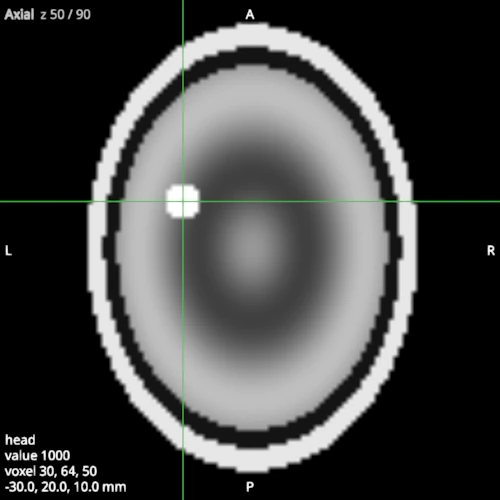
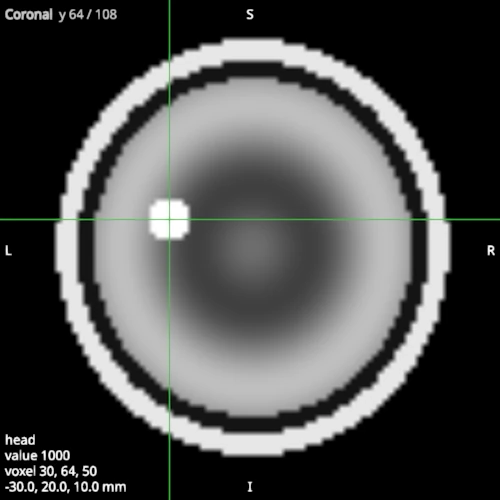
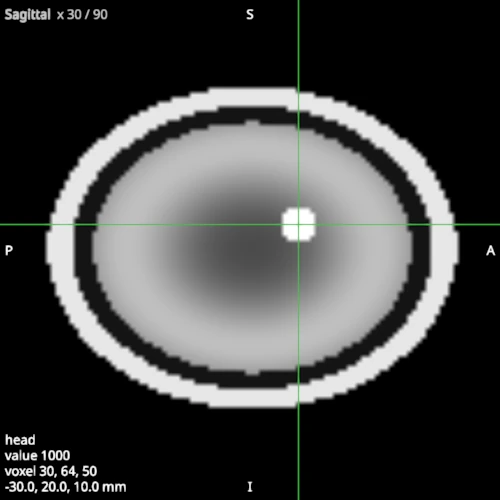
(-30.0, 20.0, 10.0) mm is voxel (30, 64, 50), value 1000.0
Slices#
A slice step is one voxel of the main volume along the view’s axis: here 2 mm. Five steps up move the axial slice from z = 10 to z = 20 mm, past the spot.
viewer.step_slice(ViewKind.AXIAL, 5)
print(f"the crosshair is at {viewer.scene.view.cursor} mm")
assert viewer.scene.view.cursor[2] == 20.0
viewer.step_slice(ViewKind.AXIAL, -5)
the crosshair is at (-30.0, 20.0, 20.0) mm
Zoom and pan#
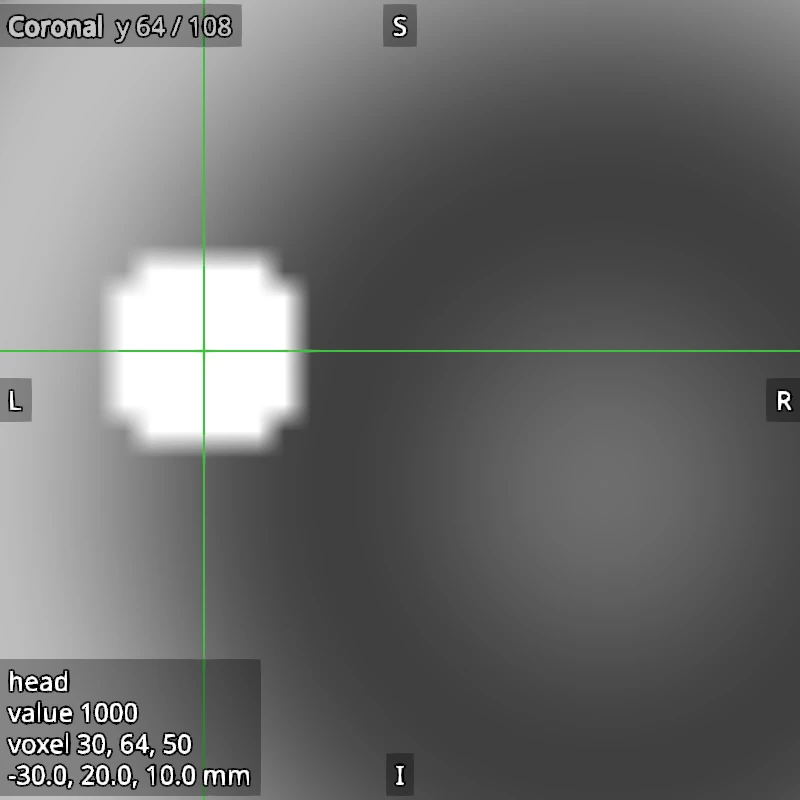
zoom keeps a point where it is on the screen, here the spot, as zooming with
the mouse over it does. pan then moves the view by a distance in mm along the
screen. scale=2 draws the screenshot at twice the resolution, with the same
layout.
viewer.zoom(ViewKind.CORONAL, 3.0, about=(-30.0, 20.0, 10.0))
viewer.pan(ViewKind.CORONAL, right=5.0, up=0.0)
viewer.screenshot(ViewKind.CORONAL, "viewer_zoomed.png", size=(400, 400), scale=2)
print(f"the coronal view is centred on {viewer.view_centre(ViewKind.CORONAL)} mm")
viewer.reset_camera(ViewKind.CORONAL)
the coronal view is centred on (-15.333333333333336, 20.0, 6.333333333333334) mm
Display convention, crosshair and text#
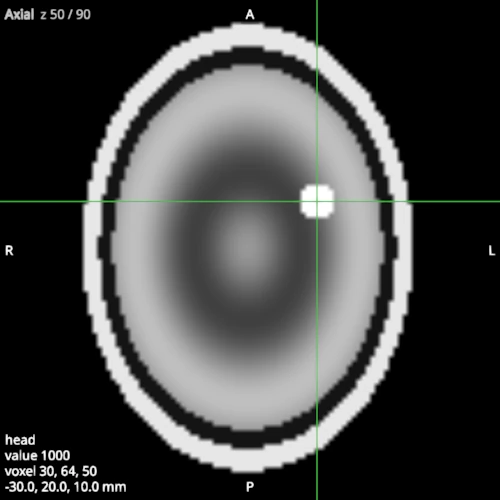
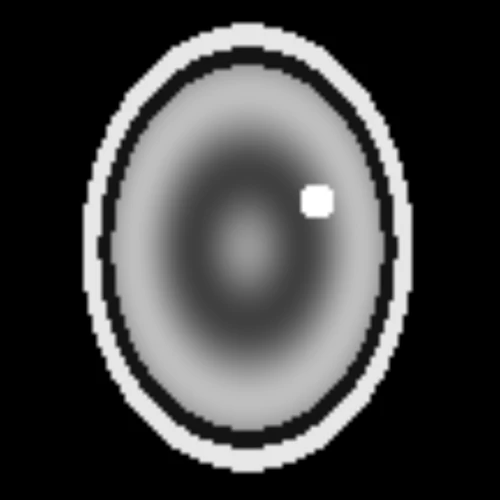
In the radiological convention (LAS), the subject’s right is on the screen’s left in the axial and coronal views; the orientation letters follow. The crosshair and the text drawn over the views can each be hidden, for a clean picture.
viewer.set_convention(Convention.LAS)
viewer.screenshot(ViewKind.AXIAL, "viewer_las.png", size=(500, 500))
viewer.toggle_crosshair()
viewer.toggle_overlay()
viewer.screenshot(ViewKind.AXIAL, "viewer_clean.png", size=(500, 500))
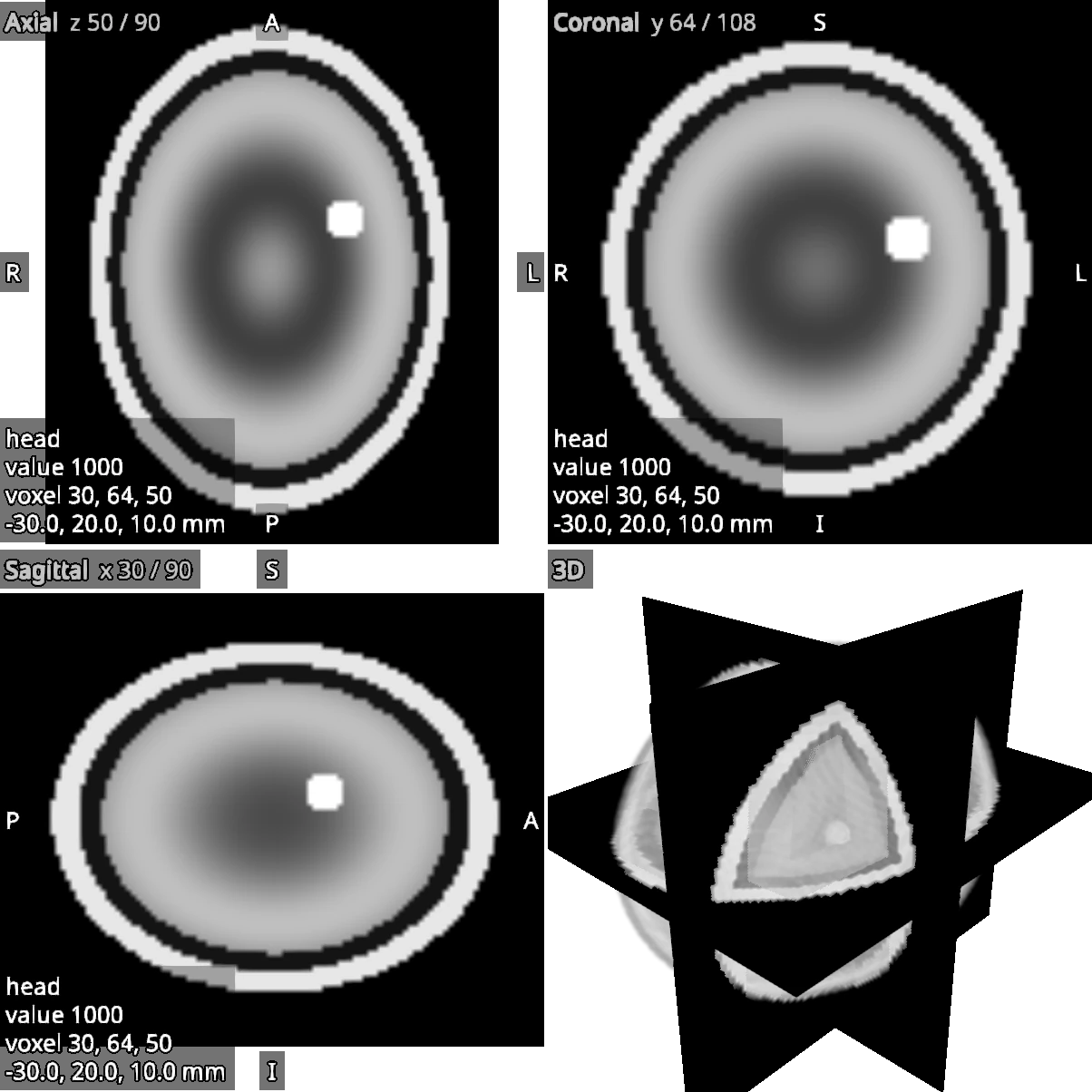
All the views at once#
With None for the view, screenshot draws the four views as the window lays
them out, in a 2 x 2 grid (or the maximised view alone, if one is maximised).
overlay=True draws the text for this image only, leaving the switch off, and
transparent=True saves an RGBA PNG whose background is transparent.
viewer.screenshot(
    None,
    "viewer_all_views.png",
    size=(300, 300),
    scale=2,
    overlay=True,
    transparent=True,
)
assert not viewer.scene.view.overlay_visible