
The 3D view#
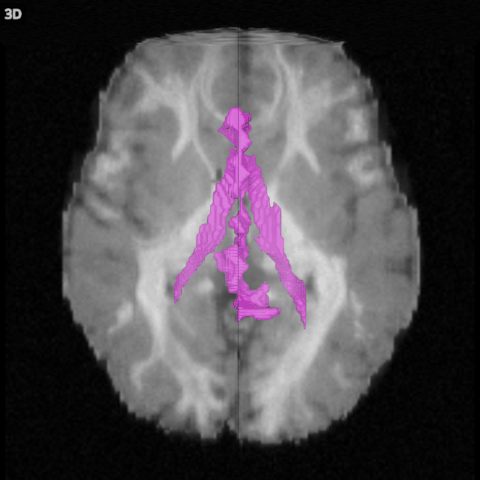
The 3D view shows the three slices where the crosshair is, a volume rendering of the main volume, a surface for each overlay, and the tractograms.
What it shows#
Volume rendering: the whole main volume, blended: each voxel adds a little colour and hides a little of what is behind it. The volume’s Opacity (3D) sets how much; at 0 the rendering is off and only the slices are left.
Slices (in the 3D section): the three slices of a volume or an overlay, drawn where they are.
Surface (in the 3D section): for an overlay, the surface where it crosses its threshold, such as the outline of a mask. An overlay shown as labels has none.
Tractograms are drawn as lines; FOD glyphs and peaks are drawn in the 2D views only.
The camera#
Mouse or key |
Does |
|---|---|
Drag |
Turns the scene |
Scroll, or pinch |
Zooms |
Shift+A |
Looks from above |
Shift+C |
Looks from the front |
Shift+S |
Looks from the side |
Shift+R |
Resets the camera |
Double click, the corner button, or 3 |
Fills the window with the 3D view, and back |
The same positions are in View > 3D camera. The camera always looks at the centre of the images.